Serverless databases: how they work and when to use one
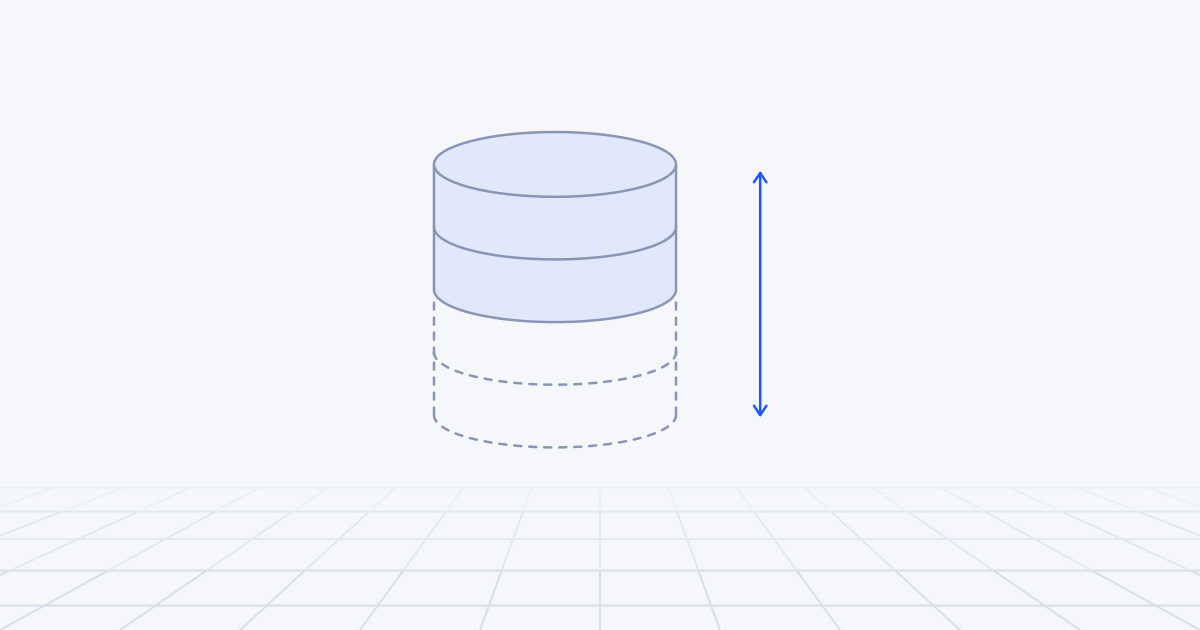
A serverless database separates storage from compute so that capacity can follow demand, often down to zero, and it bills you for use, not for a server. It is a sound default for new products, development environments, internal tools and anything with idle periods or unpredictable traffic. It is the wrong choice for a steady, heavy workload, where a provisioned instance is cheaper and has fewer surprises.
What does serverless mean for a database?
The word is used loosely, so it helps to break it into four properties. A given product may have all four or only two.
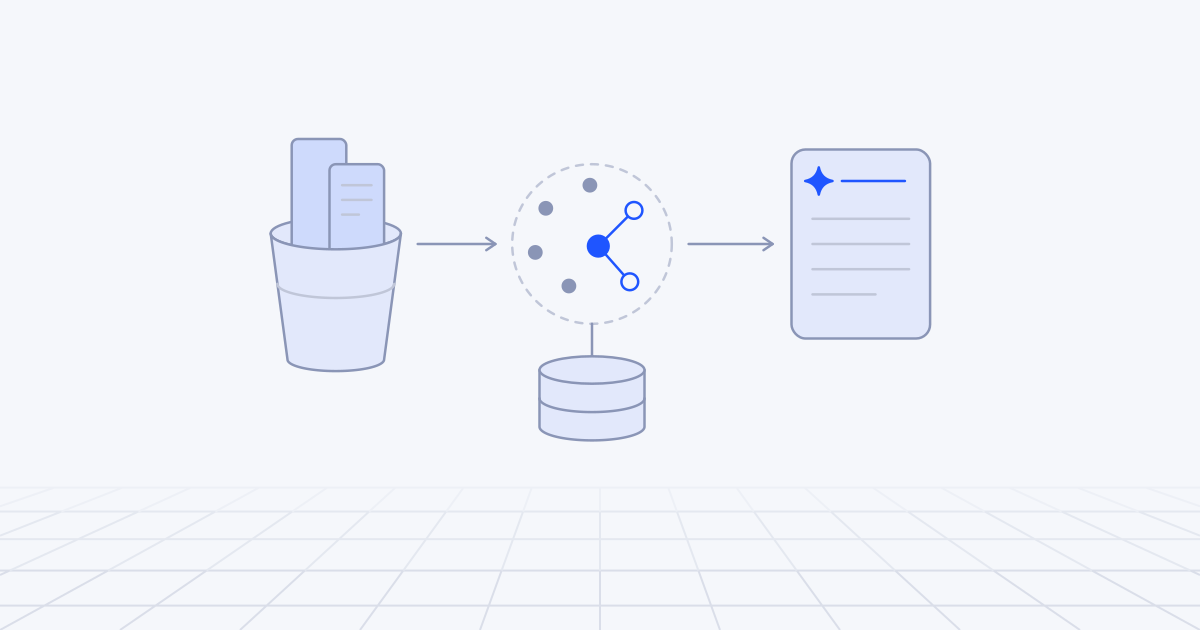
Storage is separated from compute. In a traditional database one machine owns both the query engine and the disk. Serverless designs split them. The compute layer runs queries and holds nothing permanent. The storage layer keeps the data durable and can serve it to any compute that attaches. Because compute owns no state, it can be resized, stopped and restarted without moving data.
Compute scales with load, often to zero. The service adds capacity when queries arrive and removes it when they stop. Many products go further and suspend compute entirely after a quiet period, then resume on the next connection.
Billing follows use. The unit differs by product: compute time at a given size, requests, rows read and written, or an abstract request unit. Storage is billed separately.
Connections suit short-lived callers. Serverless functions open and drop connections constantly, which classic databases handle badly. So serverless databases ship with a built-in pooler, an HTTP API, or both.
A quick test for any product that uses the word: does the compute bill fall to zero when nothing is happening, and did you have to pick an instance size? Some services called serverless autoscale between a minimum and a maximum but never reach zero. Some well-known managed MySQL and Postgres platforms work well with serverless functions and still sell fixed cluster sizes. Neither is bad. They are different deals.
The main families
| Family | Representative products | Billing unit | When idle | Main catch |
|---|---|---|---|---|
| Serverless Postgres | Neon, Amazon Aurora Serverless, Aurora DSQL | Mostly compute time at the current size | Suspends, resumes on connect | Cold start; connection limits |
| Serverless MySQL-compatible | Aurora Serverless (MySQL), TiDB Cloud Starter | Compute time or request units | Suspends, or no request charges | Compatibility differences in distributed engines |
| SQLite at the edge | Cloudflare D1, Turso Cloud | Rows read and written, storage | Nothing running to pause | Size caps; one writer at a time |
| Key-value and document | DynamoDB on demand, Firestore, Upstash Redis | Per request or per document operation | Nothing running to pause | No joins; you design around access patterns |
Serverless Postgres
This is the family most teams want, because it is the database they already know.
Neon runs standard Postgres on separated storage. By default a compute suspends after five minutes without activity and, according to its docs, reactivates within a few hundred milliseconds. Autoscaling works inside a range you set. It also offers copy-on-write branches of a database, which is the feature developers end up valuing most.
Aurora Serverless is AWS’s version, for both Postgres and MySQL. It scales in capacity units, and with a minimum of zero it pauses after an idle interval of at least five minutes. AWS puts the typical resume time at about 15 seconds, and longer after a day or more asleep. That is a different product experience from a sub-second wake.
Aurora DSQL is a newer design: a distributed, Postgres-compatible database with no instances to size and active-active operation across zones or regions. The trade is compatibility. AWS’s own migration guide lists temporary tables, triggers and procedural languages such as PL/pgSQL among the things it does not support, and it uses optimistic concurrency control, so transactions can fail at commit and must be retried.
Serverless MySQL-compatible
Aurora Serverless covers MySQL in the same way it covers Postgres. TiDB Cloud Starter, the plan formerly sold as TiDB Serverless, is a multi-tenant, autoscaling service that speaks the MySQL protocol and bills in request units with a spending limit you set. TiDB is a distributed engine, so test the MySQL features you depend on before assuming they behave identically.
SQLite at the edge
Here the database is a SQLite file managed for you and placed near your code. Cloudflare D1 bills by rows read, rows written and storage, with no charge for hours or capacity. Its limits define its use: a database is capped at 10 GB and processes one query at a time. Cloudflare designed it for many small databases, one per tenant or per user, not one big one. Turso Cloud is a managed platform for SQLite-compatible databases with branching and replication.
This family suits read-heavy applications with modest data per tenant. We use D1 as the metadata store in RAG on Cloudflare for exactly that reason.
Key-value and document stores
These were serverless before the word was fashionable. DynamoDB on demand bills per read and write request, charges nothing for throughput at zero traffic and, per AWS, instantly absorbs up to double a table’s previous peak. Firestore charges per document read, write and delete, plus index entries read. Upstash Redis offers Redis over an HTTP API for runtimes that cannot open TCP connections.
They scale further with less attention than anything relational. The cost is the data model: no joins, limited ad hoc queries, and a schema designed around the exact questions your application asks.
Where are they strong?
Idle and spiky workloads. An internal tool used in office hours is idle for most of the week. A marketing site’s database is quiet until a campaign lands. Paying only for active time is a large saving on both.
Environments. Development, staging and per-pull-request preview databases are needed briefly and often. Scale to zero makes them nearly free, and branching makes them realistic, since a branch starts with production-shaped data.
Many small databases. A product with 600 customers, most of them small, can give each its own database without paying for 600 servers.
No capacity planning. You do not have to guess an instance size for a product that has no traffic history.
Fewer operations. Patching, failover and storage growth are someone else’s job. For a team of five that matters more than any benchmark.
What are the catches?
Cold starts. The first query after a pause waits for compute. A few hundred milliseconds is invisible in a back-office tool and noticeable in a checkout. Fifteen seconds needs longer client timeouts and retry logic. The details hide in what prevents pausing: on Aurora, any open user connection keeps the instance awake, and so does an attached RDS Proxy. A monitoring tool with a persistent connection can quietly cancel your savings.
Connection limits. Postgres starts a process per connection, so limits are tied to memory. Neon’s smallest compute allows 112 connections. Its pooler accepts up to 10,000 clients, but in transaction mode, where session state does not persist between transactions.
Cost at steady high load. On-demand capacity carries a premium per unit. If your database is busy most of the day at a steady level, a provisioned instance of the right size, perhaps with a commitment discount, is very likely cheaper. The break-even is simple arithmetic: divide the provisioned hourly price by the on-demand hourly price for the same size, and the result is the utilisation above which provisioned wins. Row-based billing has its own trap: a query that scans a million rows to return ten is billed for the million.
Feature gaps. The further a product moves from stock Postgres or MySQL, the more you must check: extensions, triggers, long transactions, session features behind a pooler, size caps.
Latency by geography. Functions that run close to users still talk to a database in one region. Several queries per request means several long round trips.
Product risk. Offerings change. MongoDB retired Atlas Serverless instances in January 2026 and moved customers to other cluster types. A standard wire protocol is your insurance. Leaving one Postgres service for another is mostly a dump and restore. Leaving a proprietary API is a rewrite.
Most of these can be reduced with tuning, which we cover in optimising a serverless database.
Three workloads, three answers
An expenses tool used by 40 staff, weekdays only. Active perhaps 45 hours out of 168. Serverless Postgres with scale to zero is the obvious fit. The first person in each morning waits a moment longer.
A B2B product with 600 tenants, where a few are large and most are tiny. Either a single autoscaling Postgres database with a tenant column, or a database per tenant on a platform built for that. The second gives cleaner isolation and makes it trivial to delete a customer’s data. The first makes cross-tenant reporting easier.
A marketplace API handling a steady 3,000 queries a second, day and night. There is no idle time to recover and the load is predictable. Provision an instance, add read replicas and buy the commitment discount. Serverless would cost more and add variables.
How to decide
Work through these in order.
- How idle is it? Chart CPU by hour for two weeks. Long quiet stretches favour usage billing. A flat, busy line favours a provisioned instance. Run the break-even sum above with real prices before you decide.
- Which features do you need? If you rely on extensions, triggers or stored procedures, choose a service that runs the real engine, not a compatible reimplementation.
- Where does your code run? Edge functions and other runtimes without TCP need an HTTP driver or an edge-native database. Containers in one region can use anything. That choice is covered in serverless vs containers vs Kubernetes.
- Can you tolerate a cold start? If not, keep a minimum capacity above zero and price that in.
- Are your access patterns simple and known? Key lookups at very large scale point to a key-value store. Reporting and ad hoc questions point to SQL.
- Do you need writes in more than one region? That narrows the field to the distributed engines, with their compatibility gaps.
- What is the ceiling? Find the autoscaling maximum and the spending control before launch, not after the first surprising invoice.
- How would you leave? Prefer a standard protocol and keep schema migrations in your own repository.
How to start in the first week
- Pull two weeks of utilisation for your current database, or estimate traffic for a new one hour by hour.
- Pick a family using the questions above and choose one product to trial.
- Load your real schema and run your ten heaviest queries. Measure the cold start, the 95th percentile latency and what the billing unit counts for each query.
- Set the autoscaling maximum and a billing alert.
- Run it for a week behind one non-critical feature before moving anything important.
The first decision is not the vendor. It is whether your workload is idle enough for usage billing to win, and that is a chart you can make today. Choosing and sizing data stores is part of the cloud architecture and data engineering work we do for product teams.