Event-driven architecture for AI workloads: a practical guide
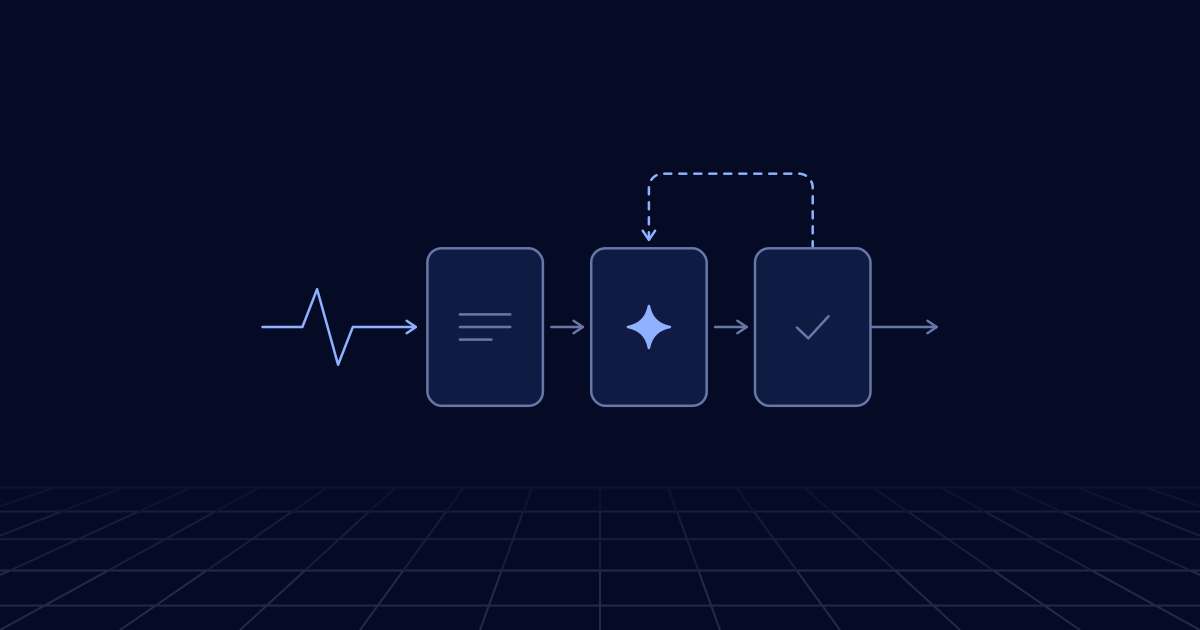
A model call takes seconds to minutes, costs money every time and sometimes fails, so it should stay out of a user’s HTTP request unless it is short. Put a queue in front of it: accept the job, reply at once, process it in workers that retry safely and respect the provider’s rate limits, then report back through a status endpoint, a stream or a webhook.
Why model calls do not belong in the request path
A normal web request reads a few rows and returns in tens of milliseconds. A model call is a different animal. Extracting fields from a forty-page document, or running an agent through a dozen tool calls, takes minutes. The provider may refuse the call because you have reached a rate limit or because it is overloaded. A streamed response can fail halfway, after the HTTP status has already reported success. And every attempt is billed.
Hold a user’s connection open through that and several things go wrong. Networks and proxies between you and the browser drop connections that sit idle. Anthropic’s guidance on long requests makes the same point from the provider’s side and recommends streaming or batch processing for anything long, especially beyond ten minutes. A deployment or a crashed instance loses the work in progress, and the user’s retry pays for it again. A burst of users becomes a burst of model calls, which is the quickest way to reach a rate limit.
The alternative is old and dull: separate accepting work from doing it. The request handler records a job and returns. A worker does the slow part. An event says when it is finished.
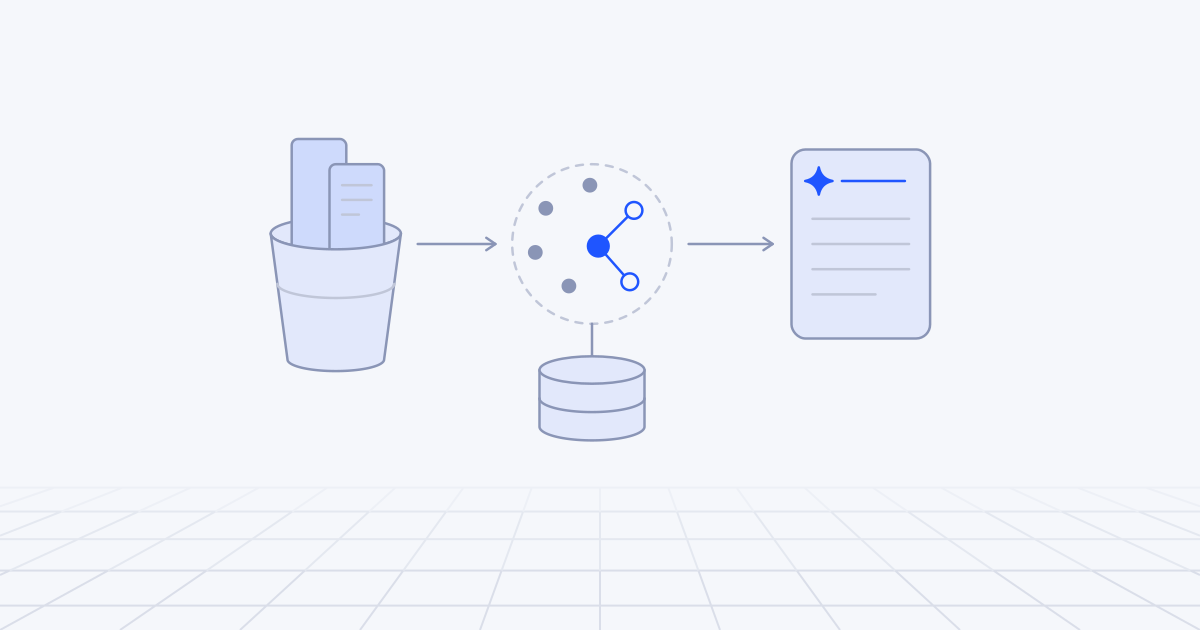
Keep one example in mind: a freight forwarder that receives about 4,000 documents a day by email and upload, including invoices, bills of lading and customs forms. Each must be classified, have its fields extracted, be checked against the shipment record and then be posted to the accounting system or sent to a person.
The building blocks
Two kinds of message do the work, and it helps to keep them apart. A command asks for something to be done (“extract document 8841”) and goes to a queue with one consumer. An event records that something happened (“document 8841 extracted”) and goes to a topic or bus where any number of consumers may react. Commands are retried until they succeed. Events are facts and are never retracted.
| Pattern | What it does | Use it for |
|---|---|---|
| Queue and worker | Separates accepting a job from doing it | Any model call longer than a few seconds |
| Fan-out and join | Splits a job into parallel parts and collects the results | Pages of a document, items in a batch, sub-tasks of an agent |
| Durable workflow | Saves each step’s result and resumes after a crash | Multi-step pipelines, long agent runs, waits for people |
| Webhook or callback | Lets the other side call you when it has finished | Provider batch jobs, background responses, approvals |
| Event log | Appends every action for audit and replay | Agent tool calls, regulated processes |
| Provider batch API | Hands a large set to the provider at a lower price | Work that can wait for hours |
Which queue, topic or stream sits underneath is a separate decision, and we work through it in choosing a messaging service.
Durable workflows deserve a word, because they suit AI work unusually well. A workflow engine checkpoints the result of each step, so a crash at step five resumes at step five and does not pay again for the model calls in steps one to four. AWS Step Functions, Lambda durable functions, Cloudflare Workflows and the open-source Temporal all work this way. Lambda’s version can run for up to a year and incurs no compute charge while it waits, which fits a pipeline that pauses for a person.
A document-processing pipeline, step by step
Here is the freight forwarder’s pipeline as a sequence of events.
- Intake. The upload endpoint or email handler writes the file to object storage, inserts a document row with status
received, publishesdocument.receivedand returns 202 with the document ID. No model is involved and it takes milliseconds. The message carries the storage key and a content hash, never the file. - Classify. A worker converts the file to page images and text, then asks a small model what kind of document it is. It publishes
document.classified. - Extract, in parallel. A forty-page customs bundle becomes one message per section on the extraction queue. Each worker calls the model with the schema for that document type and stores its result under the document ID, section and prompt version. A join step publishes
document.extractedwhen every part is in. - Validate. Plain code, not a model: totals add up, the shipment reference exists, dates parse. The outcome is
document.validatedordocument.needs_review, with reasons. - Review. A document that needs review becomes a task in a reviewer’s list. The workflow waits, at no compute cost, for
review.completed. - Post. A consumer posts to the accounting system with the document ID as an idempotency key, so that a retry cannot post twice, and publishes
document.posted. - Notify. A separate consumer listens to every status event and updates the interface and any customer webhooks.
Each hand-off between stages is a queue with its own dead-letter queue. Each stage scales on its own, and a slow stage shows up as a growing queue age instead of as timeouts at the front door. The extraction techniques themselves are in our guide to document AI.
Not everything needs to be this prompt. When the same company loads 500,000 archived documents, that work goes through a provider batch API. Anthropic’s Message Batches API and OpenAI’s Batch API both charge half the synchronous price. OpenAI allows 24 hours per batch, and Anthropic says most batches finish within an hour.
Retries, idempotency keys and backpressure
Safe retries
Queues deliver at least once, so every worker will sometimes see the same message twice. With model calls a duplicate costs money as well as correctness.
Give each unit of work a deterministic key, for example a hash of the document ID, the step, the prompt version and the model. Before calling the model, look the key up. After the call, store the result under the key, and only then acknowledge the message. Stripe’s API documentation describes the same pattern from the server’s side: the client sends a key, the server saves the first result and returns it for any repeat. Pass your key on to any downstream system that accepts one.
Sort failures before retrying them:
- Retry with backoff: rate-limit responses, overload and server errors, timeouts, dropped connections.
- Retry once, then review: output that fails schema validation. A tenth attempt will not fix a prompt problem.
- Never retry: invalid requests, files that cannot be read, content the model declines. Send them to the dead-letter queue or to a person.
Set the queue’s visibility timeout longer than your slowest call, or extend it while the call runs. Otherwise the queue hands the same document to a second worker while the first is still waiting for the model.
Backpressure
The provider’s rate limit is the narrowest pipe in the system, and the queue exists to hold work in front of it. Workers should take from the queue only as fast as the limit allows.
In practice that means a cap on concurrent calls per model, plus a shared budget of requests and tokens per minute that every worker draws from. When a rate-limit response arrives, honour its retry-after value and slow the whole pool, not only the worker that received it. Scale workers on the age of the oldest message, but never past the point the limit supports, because extra workers beyond it only produce more refusals.
Give interactive work and bulk work separate queues, and let bulk yield. The reprocessing job should never be the reason a user waits. The arithmetic of limits, priorities and load shedding is the subject of scaling an LLM application.
Getting results back: streaming, webhooks and callbacks
Once work is asynchronous, the user needs another way to learn the outcome.
A status endpoint. GET /documents/8841 returns the current state and any results, and the client polls every few seconds. It is unglamorous and it is the right default, because it survives page reloads, flaky networks and mobile clients.
A stream to the browser. For partial results, such as text appearing as it is generated or fields filling in section by section, the worker publishes progress events to a channel keyed by job ID, and a lightweight connection handler relays them over server-sent events or a WebSocket. Persist the events with sequence numbers, so that a client that reconnects can ask for everything after number 212. OpenAI’s background mode offers the same design on the provider’s side: the request returns at once, and you poll or attach to a stream that can be resumed from a cursor.
Webhooks. For other systems, send a signed HTTP callback with an event ID, retry with backoff and expect the receiver to deduplicate. Treat the webhooks you receive in the same way. OpenAI’s webhooks for finished batches and background responses are retried for up to 72 hours and can arrive twice. The handler should verify the signature, enqueue the event, return a 2xx at once and deduplicate on the webhook-id header.
Event sourcing for agent actions
An agent that can send emails, change records or issue refunds needs a better record than application logs. When something goes wrong, you will be asked what it did, on whose authority, with what input, and what the model had been shown.
The pattern that answers those questions is an append-only event log for each run:
run.started        { run_id, user, goal }
model.called       { prompt_hash, model, tokens_in, tokens_out }
tool.requested     { tool: "issue_refund", args }
approval.granted   { approver, at }
tool.succeeded     { result_ref }
run.completed      { outcome }
Rows are never updated or deleted. The current state of a run is whatever you get by reading its events in order. That gives you an audit trail and three more things besides. A crashed run can be resumed by replaying the log instead of calling the model again. A bad run can be replayed against a new prompt to see whether the fix works. And real traces become test cases for evaluation.
It has costs. Payloads are large, so keep bodies in object storage and pointers in the log. Events contain personal data, so they need a retention and redaction policy from the first day. Event schemas change, so version them. And do not event-source the whole product: the settings page can stay an ordinary table. We apply this to the action-taking parts of the AI agents we build and leave everything else alone.
When is a simple synchronous call fine?
Often. Asynchronous designs add queues, workers, a job table, status handling in the interface and tracing across all of it. That is a real cost, and a feature used fifty times a day does not justify it.
Call the model directly when all of these hold:
- A person is waiting and will see the answer in the same view.
- The call usually finishes in a few seconds, or streams from the first second.
- Nothing is lost if it fails and the user tries again.
- It has no side effects beyond showing text.
A reply in a chat assistant, a rewrite suggestion and a one-line classification all qualify. Still set a timeout, stream the response and retry once on a connection error. Move the call behind a queue when it becomes long, when volume arrives in bursts, when a failure costs real money to repeat, or when the output triggers an action.
Where to start
In the first week:
- List every model call in the product. For each, note the 95th-percentile duration, whether a person is waiting, and what happens today when it fails.
- Take the longest or least reliable one and put it behind a queue, with a job table and a status endpoint.
- Add the idempotency key and a dead-letter queue with an alarm before any other refinement.
- Cap worker concurrency to match the provider’s limit.
- Put a trace ID in every message, so that one document can be followed across stages.
The first decision is between a plain queue with workers and a durable workflow engine. Our default is a queue for single-step jobs, and a workflow engine once there are three or more steps or a wait for a person. Building and running these pipelines is part of what our cloud and DevOps team does.