Document AI: turning invoices, forms and contracts into data
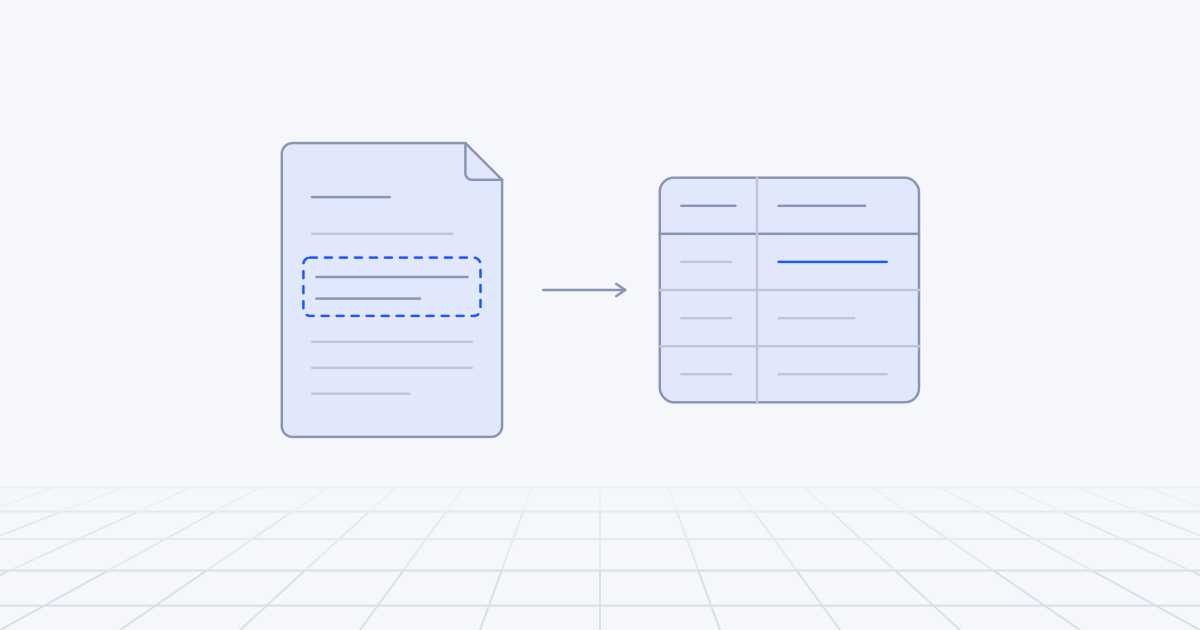
Document AI now means handing a page to a vision-capable model and asking for the fields you need as structured data, without building a template for each layout. That removes most of the set-up work template OCR demanded. It does not remove the pipeline around the model: classification, a schema, validation rules, a review queue for doubtful fields, an audit trail and a careful hand-off to the system of record still decide whether the output can be trusted.
From template OCR to models that read the page
The first generation of document automation was OCR plus templates. Software turned the image into text, and a template said where to look: the invoice number is in this box, top right. It needed one template per supplier layout and broke when a supplier moved their logo. The maintenance bill grew with every new layout.
The second generation was machine-learning services trained on many documents of one kind. Amazon Textract’s expense analysis, for example, extracts invoice and receipt data without templates or configuration and maps “bill number”, “invoice number” and “receipt number” to one standard field. Azure Document Intelligence has a prebuilt invoice model built on the same idea. These work well for common document types and help less with your unusual ones.
The third generation is the general vision-capable language model. You send the page and a description of what you want back. Anthropic’s documentation explains how its models handle a PDF: each page is converted into an image, and the extracted text is supplied alongside it, so the model works from layout, tables and stamps as well as words. A new supplier layout needs no new template, and one pipeline can read an invoice, a customs form and a lease.
Something else changed with it: the character of the errors. Template OCR failed loudly, with garbled characters and empty fields. A language model fails quietly. It returns a tidy, plausible value that is wrong: a total with two digits transposed, a date read day-first when it was month-first, a tax number taken from the wrong party. Everything else in the pipeline exists to catch quiet failures.
What does a production pipeline still need?
Intake and classification
Documents arrive as email attachments, scans, phone photographs and single PDFs containing ten invoices scanned in one go. Before extraction you split them, rotate them, drop exact duplicates by file hash, and classify each one: invoice, credit note, statement, delivery note, or not a document at all. A credit note processed as an invoice is a classic and expensive mistake.
Extraction to a schema
Decide the fields, their types and which may be absent. Tell the model to return null when a field is not on the page. A model told that a field is required will find something to put in it.
supplier_name     string
supplier_tax_id   string or null
invoice_number    string
invoice_date      date, ISO 8601
currency          ISO 4217 code
po_number         string or null
net_total         decimal
tax_total         decimal
gross_total       decimal
line_items[]      description, quantity, unit_price, line_total
evidence          for each field: page number and the text it was read from
Use the provider’s structured output feature so the reply always parses. Anthropic’s structured outputs, for instance, constrain the response to valid JSON matching your schema. That guarantees the shape, not the truth of the values, and numeric range constraints are not enforced by the API, so those checks stay in your code.
The evidence field earns its place. It lets a reviewer see where a value came from, and lets your code confirm that the value really appears on the page.
Validation rules
Cheap deterministic checks catch a large share of quiet failures.
- Arithmetic. Line totals sum to the net total, and net plus tax equals gross, within a rounding tolerance.
- Format. Dates are plausible, tax identifiers match the country’s pattern, bank account numbers pass their checksum.
- Master data. The supplier exists, and the tax number and bank details match what is on file. A changed bank account is a fraud signal and never goes through automatically.
- Business rules. The purchase order exists, is open, and the amounts agree within tolerance.
- Duplicates. The same supplier and invoice number have not been seen before.
Confidence and human review queues
Purpose-built services return a confidence score for each field. Microsoft describes its score as an estimated probability between 0 and 1 and suggests using it to choose between automatic acceptance and human review. General language models do not give you a calibrated probability, and asking the model how sure it is does not produce one.
So we build confidence from signals we can check: whether the validation rules passed, whether two independent reads agree (two models, or a model and a prebuilt extractor), whether the value appears in the OCR text, and how much the field matters. Bank details and amounts above a threshold are always reviewed.
The review screen decides whether the queue helps. It should show the doubtful field beside the highlighted region of the page, so the reviewer corrects one value without keying the whole document again. Store every correction. It is labelled data you will want later.
Tables and handwriting
Line items are the hardest part: tables that run across pages, descriptions that wrap onto a second line, sub-totals in the middle. Microsoft’s guidance notes that a row split across two pages may score lower confidence than the rows around it. Check that the lines sum to the net total, and if they do not, send the document to review.
Decide early whether you need line items at all. Many accounts payable processes only need the header and a purchase order match, and dropping line items removes most of the difficulty.
Handwriting has improved a great deal with vision models and is still the least reliable input. Handwritten amounts, dates and notes such as “disputed” should go to review by default until your own measurements say otherwise.
Audit trail
For each document keep the original file unchanged, each extraction with the model and prompt version that produced it, every validation result, who reviewed it, what they changed, and what was posted. Finance and auditors will ask why the system paid something. When the model version changes, you need to re-run old documents and compare, which is the versioning discipline we describe in LLMOps in production.
Integration with the system of record
Post the result as a draft or parked entry where the ERP allows it. Make posting idempotent, so that a retry never creates a second invoice. Keep a link from the ERP record back to the document. Send ERP rejections to the review queue, not to a log file nobody reads. In our experience this step, with its data pipelines and integrations, takes longer than the extraction.
Walking through an invoice pipeline
Take a wholesaler that receives 4,000 supplier invoices a month from about 300 suppliers, mostly as PDF attachments and some as scans from the warehouse.
- Intake. A shared mailbox is monitored. Attachments are stored unchanged with a hash, and exact duplicates are dropped.
- Structured shortcut. Some suppliers send structured e-invoices, or PDFs with the data embedded as XML. Europe’s standard for these is EN 16931. When the XML is there, parse it. No model is needed and nothing has to be guessed.
- Classify and split. Credit notes and statements go to their own routes.
- Extract. A vision-capable model returns the schema above, with evidence for each field.
- Validate. Arithmetic, supplier lookup by tax number, purchase order match and duplicate check.
- Route. If everything passes and the amount is under the approval threshold, the invoice is posted as a parked entry. Otherwise it goes to the review queue with the reasons attached.
- Review. A clerk sees the failed fields highlighted on the page and corrects or confirms them.
- Post and record. The audit record is written and the corrections join the test set.
In the first month most invoices should go to review, on purpose, because the thresholds start strict. As per-field measurements come in, you relax them for the suppliers and fields that have earned it. The aim is not full automation. It is clerks spending their time on exceptions.
Measure accuracy per field, not per document
“95% accurate” means nothing until you say of what. If a document has twenty fields and each is right 98% of the time, the whole document is right only about two times in three. A per-document figure also hides which field is failing. Per-field figures tell you where to work.
| Measure | What it tells you |
|---|---|
| Field accuracy, per field | Which fields to fix, and which to review always |
| Straight-through rate | The share of documents posted with no human touch: the efficiency figure |
| False accept rate | The share of auto-posted documents with any wrong field: the risk figure |
| Review time per document | Whether the queue is helping or just moving the typing |
| Accuracy by source | Which suppliers or scanners drag the results down |
Build a labelled set of a few hundred real documents, including the ugly ones, spread across many suppliers. Normalise before comparing (dates, decimal separators, whitespace) and score line items separately from header fields. Re-run the set on every change of model or prompt. The false accept rate is the one to put in front of the finance director.
What changes for forms and contracts?
Forms have a fixed layout, tick boxes and handwriting. Because the layout does not move, older layout-based extraction still does well here. The risks are ambiguous marks and handwritten entries, so those fields are the ones to review.
Contracts are a different problem. They are long, and the “fields” are clauses: notice period, renewal terms, liability cap, governing law. Extraction means locating and quoting. Have the model return the clause text and page number, not a paraphrase, so the reviewer reads the original words. Keep legal judgement, such as whether a clause is acceptable, out of the extraction step. And watch for amendments and side letters that override the main agreement. If classification does not link them to their parent, the extracted terms will be out of date and look perfectly fine.
Build, buy or combine?
There are four routes: a cloud document service with prebuilt models and confidence scores; a general vision model with your own schema; open-source parsing that runs on your own machines, such as Docling, which is MIT-licensed and suits data that cannot leave the building; or a packaged IDP platform with its own review screens.
We usually combine them. An OCR or layout service supplies positions and a text layer for evidence, a language model maps the page to the schema, and the validation rules and review queue are written for the business, because that is where its own policies live. The broader question of what to own is in build vs buy for AI.
How to start
In the first week, pull 200 real documents from the last quarter, including the worst scans. Pick the ten or twelve fields the downstream process actually uses. Label 100 documents by hand in a spreadsheet. Run them through a vision-capable model with your schema and compute accuracy per field. Then sit with the people who process these documents today and write down the checks they already make by eye. Those become your validation rules.
The first decision is whether you need line items or only headers. It changes the size of the project more than any choice of model. Document pipelines of this kind are part of the workflow automation, generative AI and computer vision work we do.