Vector database or pgvector: how to choose a vector store

If you already run Postgres and your collection is in the millions of vectors, start with pgvector: your vectors sit next to your data, your permissions and your backups. Choose a dedicated vector database when you can name the limit you have hit, usually filtered search at scale, very large indexes, heavy multi-tenancy or search features you would otherwise build yourself. Decide from the workload, not from the product page.
What a vector index does
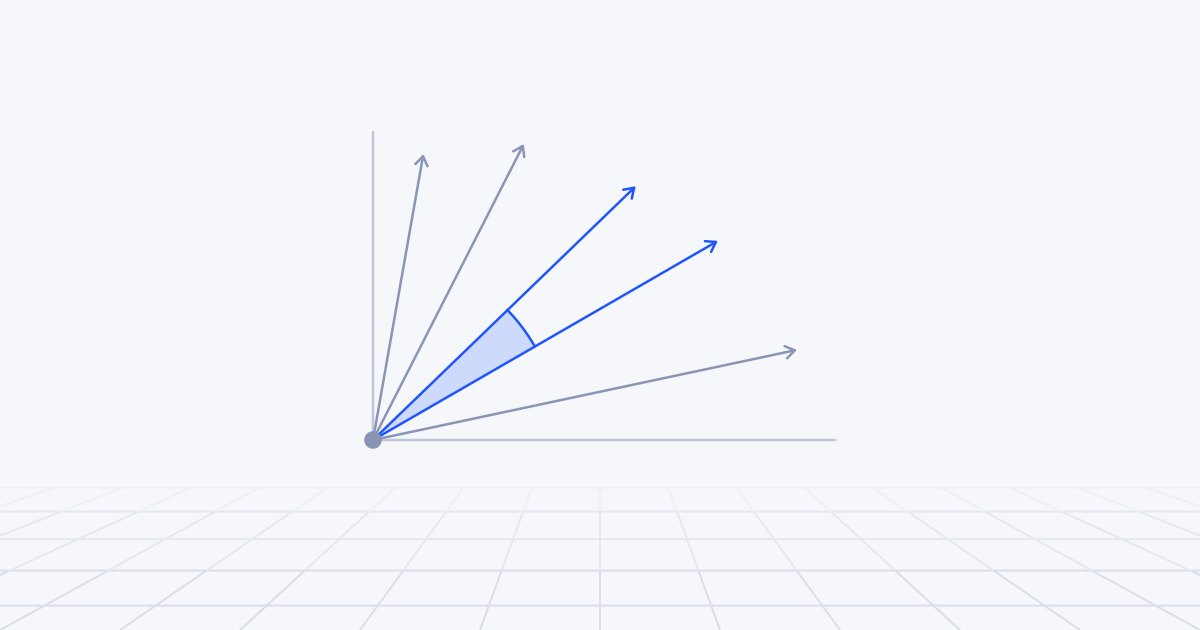
An embedding model turns a piece of text or an image into a list of numbers, a vector, placed so that things with similar meaning sit close together. Search becomes geometry: embed the question, find the stored vectors nearest to it, return the passages they came from. This is the retrieval step in retrieval-augmented generation.
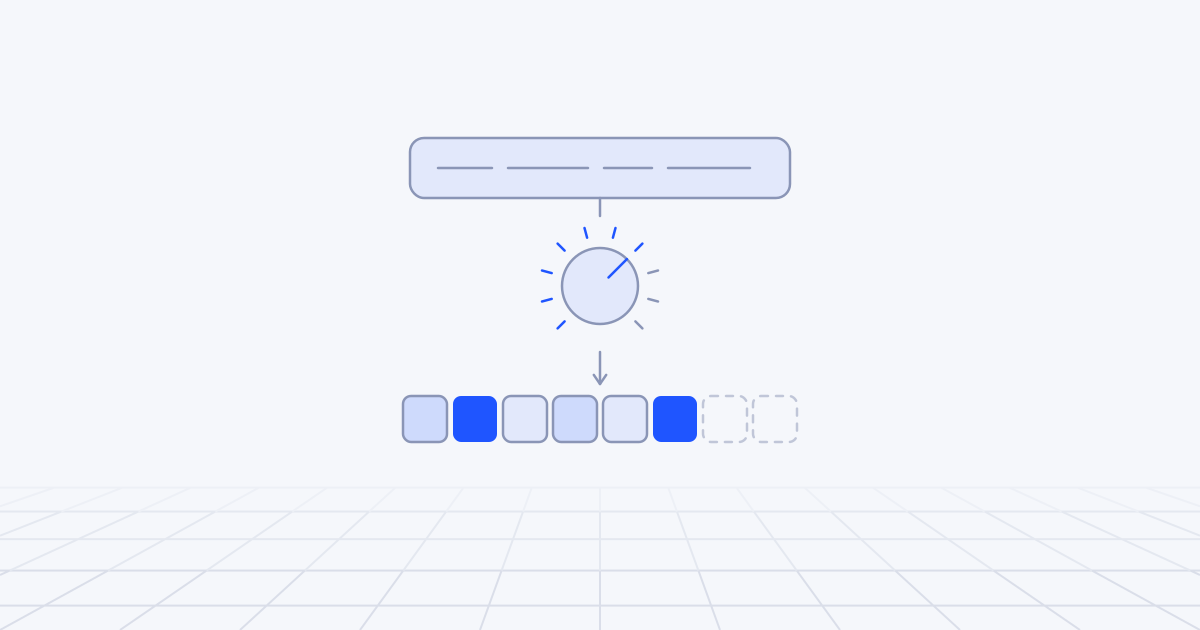
Comparing the question with every stored vector gives exact results and gets slow as the collection grows. A vector index avoids that by searching approximately. The two common kinds are HNSW, a layered graph the search walks from neighbour to neighbour, and IVFFlat, which groups vectors into clusters and searches only the nearest ones. Both give up a little recall (the share of the true nearest neighbours you actually get back) for a great deal of speed.
Every product in this article is some combination of an index like these, storage, filtering and an API. The differences that matter are in what surrounds the index.
Start from the workload
Before comparing products, write down six facts. They decide most of the answer.
- How many vectors, at what dimension, now and in two years. Ten thousand, ten million and a billion are three different problems.
- How selective your filters are. “Only this customer’s documents” or “only products in stock in Germany” changes how an approximate index behaves.
- Query rate and latency target. Five queries a second for an internal assistant is not a consumer search box.
- How often the data changes. Append-only archives are easy. Constant updates and deletes are harder.
- How many tenants, and how unequal. One shared corpus, or thousands of customers each with their own.
- Whether exact words matter. Part numbers, surnames and error codes need keyword search as well as vectors.
When is Postgres with pgvector enough?
More often than vendors suggest. pgvector is a Postgres extension that adds vector column types with HNSW and IVFFlat indexes. Its README is candid about the trade: HNSW gives the better balance of speed and recall, with slower builds and more memory; IVFFlat builds faster and uses less memory, with lower query performance.
Three details matter in real applications.
Filtering. With an approximate index, the filter is applied after the index is scanned, so a restrictive filter can leave you with too few results. Since version 0.8.0, pgvector has iterative index scans, which keep scanning until enough rows pass. For filters that match only a small share of rows, the README’s advice is the right one: index the filter column in the ordinary way and let Postgres search the matching rows exactly, with perfect recall.
Hybrid search. You combine a vector query with Postgres full-text search and merge the results yourself, with reciprocal rank fusion or a reranking model.
Dimension limits. The standard vector type can be indexed up to 2,000 dimensions and the half-precision halfvec type up to 4,000. Check your embedding model against that. Some popular models default to 3,072 dimensions, which means halfvec or asking the model for shorter vectors.
CREATE TABLE chunks (
  id         bigserial PRIMARY KEY,
  tenant_id  bigint NOT NULL,
  content    text NOT NULL,
  embedding  vector(1536)
);

CREATE INDEX ON chunks USING hnsw (embedding vector_cosine_ops);
CREATE INDEX ON chunks (tenant_id);

-- keep scanning the index until enough rows pass the filter
SET hnsw.iterative_scan = strict_order;

SELECT id, content
FROM chunks
WHERE tenant_id = 42
ORDER BY embedding <=> $1
LIMIT 10;
The real advantage is everything you do not have to build. The vectors live in the same transaction as the rows they describe, so a deleted document leaves search at the same moment. Joins work. Row-level security applies. There is one backup, one set of credentials and one system on call.
What breaks: index builds on large tables are slow and want a lot of memory, queries are fastest when the index fits in RAM, and vector search competes with your transactional workload for the same machine. A read replica dedicated to search buys a lot of headroom. Beyond that, the README’s suggestions for going further include half-precision vectors, binary quantisation, partitioning and sharding. When you are deep in that list, look at the alternatives.
When does a dedicated vector database earn its place?
We see five situations.
Scale. When the index no longer fits comfortably on a machine you are willing to pay for, you want a system designed to shard, compress and tier vectors without you doing it by hand.
Filtered search at scale. Dedicated engines are designed to apply the filter during the search, not after it. Pinecone’s documentation, for instance, describes a filter as narrowing the candidate pool before ranking. If most of your queries carry several filters over tens of millions of vectors, this is often the deciding factor.
Hybrid search and re-scoring built in. Qdrant’s query API runs dense and sparse searches, fuses them and re-scores the candidates with a second model in one request. Milvus offers a built-in BM25 function for full-text search beside dense vectors, with rankers to merge the two. You can do all of this on Postgres. You will be writing and maintaining it.
Multi-tenancy. The vendors answer this differently. Pinecone recommends one namespace per tenant, stores each namespace separately and charges a query by the size of the namespace it searches. Weaviate puts each tenant on its own shard and lets you mark tenants inactive or offload them to cloud storage. Qdrant advises against a collection per tenant and offers a tenant-aware index inside a shared collection, with dedicated shards for the large ones. Which is right depends on how many tenants you have and how unequal they are.
Operations you would rather not own. A managed service takes on upgrades, scaling and replication. That is worth paying for when nobody on the team wants to become the vector index specialist.
One newer category sits apart: vectors on object storage. Amazon S3 Vectors is built for large collections queried less often. AWS describes sub-second latency for infrequent queries and around 100 milliseconds for frequent ones, and points to OpenSearch when you need hybrid search or advanced filtering. It suits an archive. It does not suit a search box.
The options side by side
| Category | Examples | Fits when | Watch for |
|---|---|---|---|
| Extension in your existing database | pgvector on Postgres | You already run Postgres; millions of vectors; filters and joins against relational data | Index memory and build time; hybrid search and reranking are yours to write |
| Dedicated managed service | Pinecone; managed Qdrant, Weaviate or Milvus | Large or fast-growing collections; many tenants; nobody to run it | A second system to sync and secure; usage pricing that needs modelling |
| Self-hosted open source | Qdrant, Weaviate, Milvus | The same needs, with data location or cost reasons to host it yourself | You own upgrades, scaling, backup and on-call |
| Search engine with vectors | Elasticsearch, OpenSearch | Keyword search is already central; facets and relevance tuning matter | Heavier to operate than the others |
| Vectors on object storage | Amazon S3 Vectors | Very large, rarely queried collections where cost is the constraint | Latency suited to infrequent queries; fewer search features |
Hybrid search and reranking
Embeddings are good at meaning and weak at exact strings. A search for “E-4071 fault on the KX200” should find the document containing those codes, and a pure vector search will often return passages about faults in general. Keyword search has the opposite profile.
Hybrid search runs both and merges the ranked lists. The usual merge is reciprocal rank fusion, which rewards documents that rank well in either list and needs no score calibration. Elastic recommends RRF for hybrid search in Elasticsearch.
Reranking is a second stage. Retrieve fifty or a hundred candidates cheaply, score each against the question with a slower and more accurate model, and keep the best handful. In the retrieval systems we build, adding keyword search and a reranker has usually done more for answer quality than changing the vector store. So weigh hybrid support and reranking hooks above raw benchmark speed, and keep a set of test queries with known good results. Without one you cannot tell whether any of this helped.
What does it cost to run?
Start with arithmetic. A vector of 1,536 single-precision numbers is about 6 KB. A million of them is about 6 GB before the index, and an HNSW graph adds to that. Half-precision halves it. None of this is expensive as storage. It becomes expensive as memory.
The costs that never appear on a pricing page are larger:
- The sync pipeline. Every insert, update, delete and permission change in the source has to reach the vector store. Missed deletes are how withdrawn documents keep appearing in answers, a problem we cover in AI-ready data.
- Re-embedding. Change the embedding model and every vector must be recomputed and the index rebuilt. Plan to do it at least once.
- Watching recall. Approximate search can lose recall as data and filters change, and nothing raises an error when it does.
- A second system. Another set of credentials, backups, upgrades and alerts.
Managed services charge by usage, typically storage plus read and write units, and each vendor defines the units differently. Model your own query pattern before you sign, especially filtered queries over large collections. For a team of fewer than ten engineers, the cost of a second datastore is mostly people, not invoices.
A worked example: one product, two answers
Take a helpdesk product adding search over each customer’s past tickets. It has 2,000 customers. Most have around 10,000 ticket passages and a few have several million. Every query is scoped to one customer.
On paper that is more than twenty million vectors, which sounds like a job for a dedicated database. But the tenant filter is extremely selective. For a typical customer the query only has to consider 10,000 rows, and Postgres can find those with an ordinary index on tenant_id and compare them exactly, with perfect recall and no approximate index involved. The few large customers get their own partitions with HNSW indexes. The answer is pgvector.
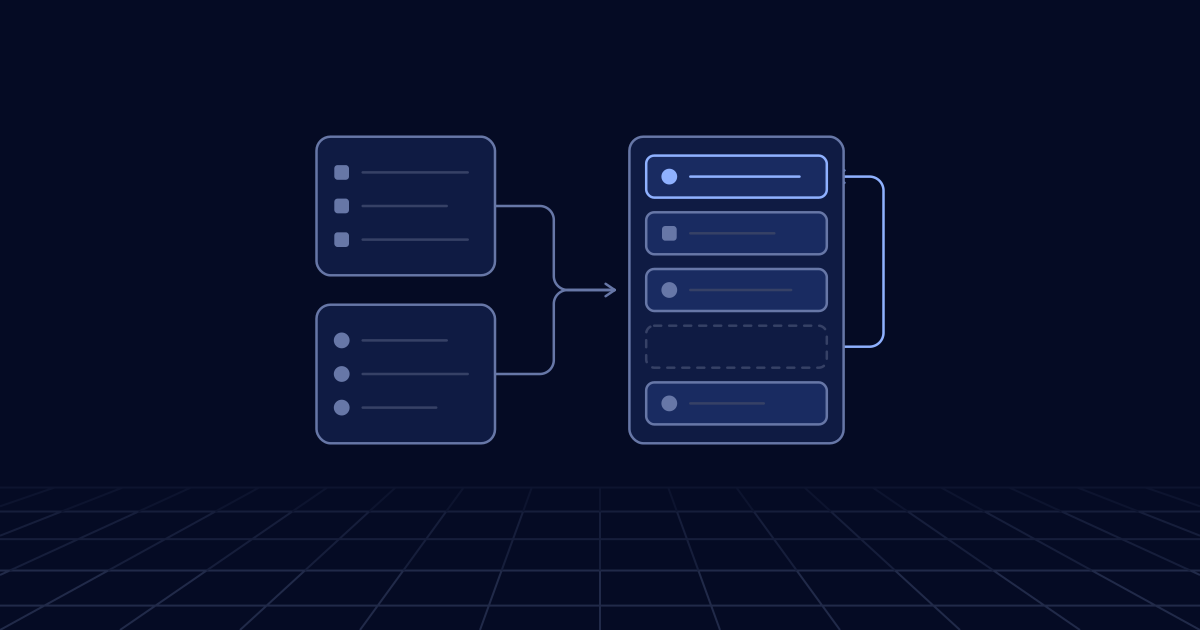
Now change one fact. The product adds a public knowledge search across 80 million passages, filtered by language and category, at consumer query rates. There is no selective tenant filter to hide behind, the index is large and every query is filtered. That workload belongs in a dedicated engine or a search engine, with Postgres kept as the source of truth.
How to decide in your first week
- Write down the six workload facts.
- Collect fifty real queries with the passages that should come back.
- If you run Postgres, load a representative sample into pgvector and measure recall and 95th-percentile latency with your real filters.
- Add keyword search and a reranker before concluding that the store is the problem.
- Write down the trigger that would make you move: a size, a latency or a tenant count.
Then make the choice reversible. If the vector store can be rebuilt from the source of truth by re-running ingestion, moving later is a week’s work and not a migration project. That design decision matters more than the product you pick, and it is a standard part of the vector search and data engineering work we do alongside RAG builds.