WorkWSCloud

Cloud design with AI

Design, scan and optimise your cloud, with an AI assistant beside you

A visual cloud workspace with an AI assistant: design new infrastructure or scan what you run, find security gaps and wasted spend, and export it as code.

The product

WSCloud

Runs on
Web app, connected to AWS, Azure and Google Cloud
Capabilities
Cloud and DevOps, Cybersecurity and AI governance, AI agents, Generative AI, Product engineering
Clouds
AWS, Azure and Google Cloud
AI assistant
Designs, explains and suggests fixes
Checks
Security, cost and AI spend
Output
Infrastructure as code (Terraform)

The story

From the problem to the product.

The challenge

Most teams cannot see their whole cloud in one place. The diagram, if there is one, is out of date; the infrastructure code covers only part of what is running; security gaps sit in settings nobody reviews; and cloud and AI bills grow from resources that are idle, oversized or forgotten.

How we solved it

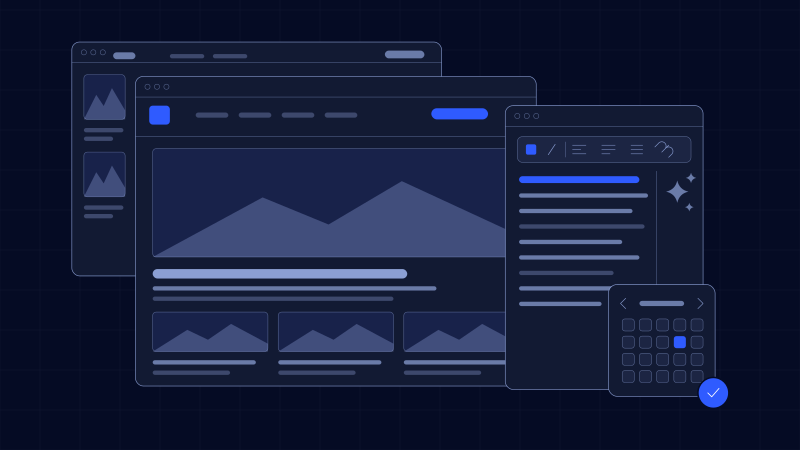
WSCloud puts the design, the real cloud and an AI assistant in one workspace. Start a fresh design on a canvas with the assistant, or connect an account and scan what is already there to draw it for you. The same picture is then checked for security gaps and for spend that is going to waste, with suggestions to fix each, and exported as infrastructure code for the team’s own pipeline.

The outcome

One place where a team sees its cloud as it is, designs what it should be with AI beside it, closes security gaps, stops paying for waste, and hands it all over as code.
What we built

Six parts, one product.

Use cases

How it’s put to work.

Built with

The stack underneath.

About WSCloud

Asked often.

What is WSCloud?

A visual cloud workspace with an AI assistant. You design infrastructure on a canvas or scan what you already run, check it for security gaps and wasted spend, and export it as infrastructure code.

Can it work with infrastructure we already have?

Yes. Connect an AWS, Azure or Google Cloud account and scan it; what is running is drawn on the canvas, so you can review it, redesign it and export it as code.

What does the AI assistant do?

It drafts architectures from a description, explains what a design or a scanned account contains, and suggests improvements for security, reliability and cost. Every change is yours to accept or edit.

How does it find wasted spend?

It looks for resources that are idle, oversized or forgotten, and for AI usage that could run on a cheaper model or setting, and shows what to change.

Does it change our cloud directly?

No. Scanning only reads. Changes go out as infrastructure code for your own pipeline to review, plan and apply.

Not on the list? Ask us directly

More work

More projects we built.

All projects

Let’s build your stack.

Send a brief and we’ll reply with next steps.